1
Start Verification
Open Profile or checkout, then tap Verify KYC. Keep your phone number and email accessible for security checks.

Customer Verification
Houser uses Didit identity verification to protect customers, rentals, and delivery partners. Complete the steps once and your dashboard will show the updated status after verification syncs.
Current status
Identity Verification
Open Profile or checkout, then tap Verify KYC. Keep your phone number and email accessible for security checks.
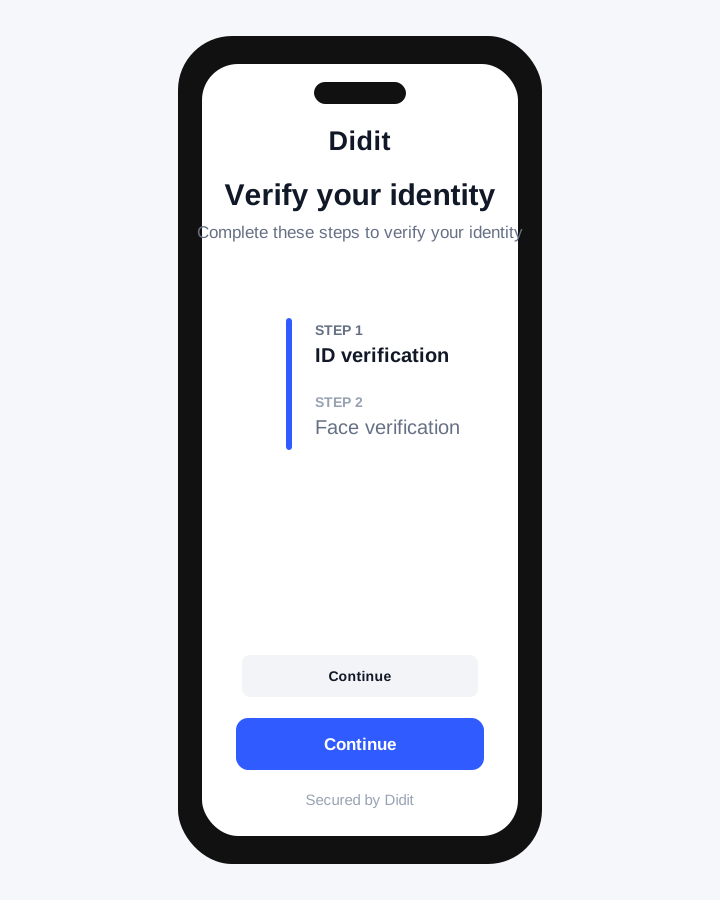
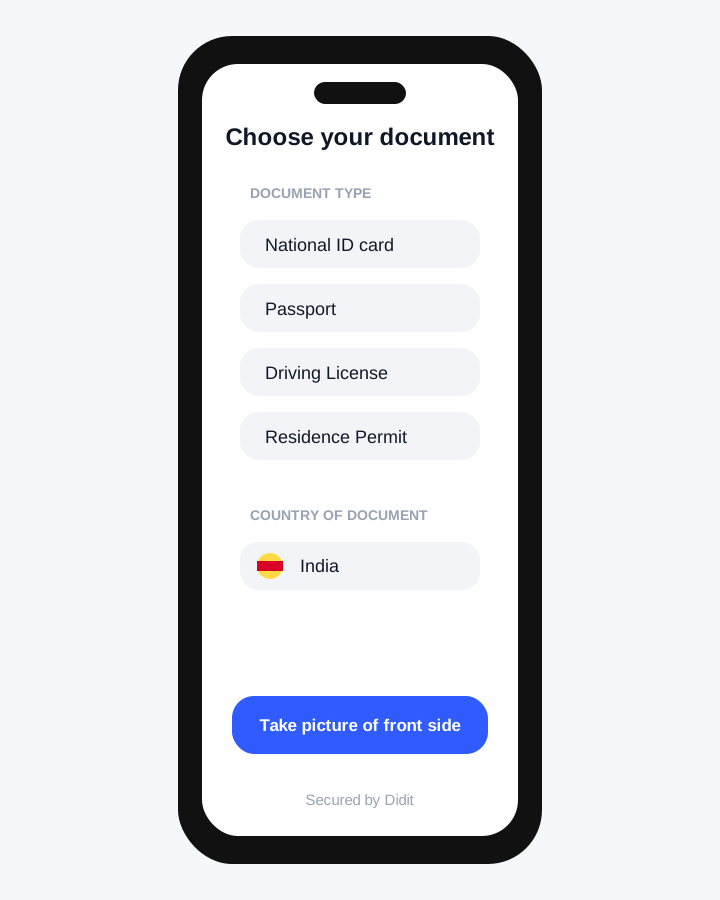
Follow the secure Didit verification flow. Enter the required details exactly as shown on your identity document.
Capture a clear photo of the selected government ID. Avoid glare, cropped edges, and blurred text.
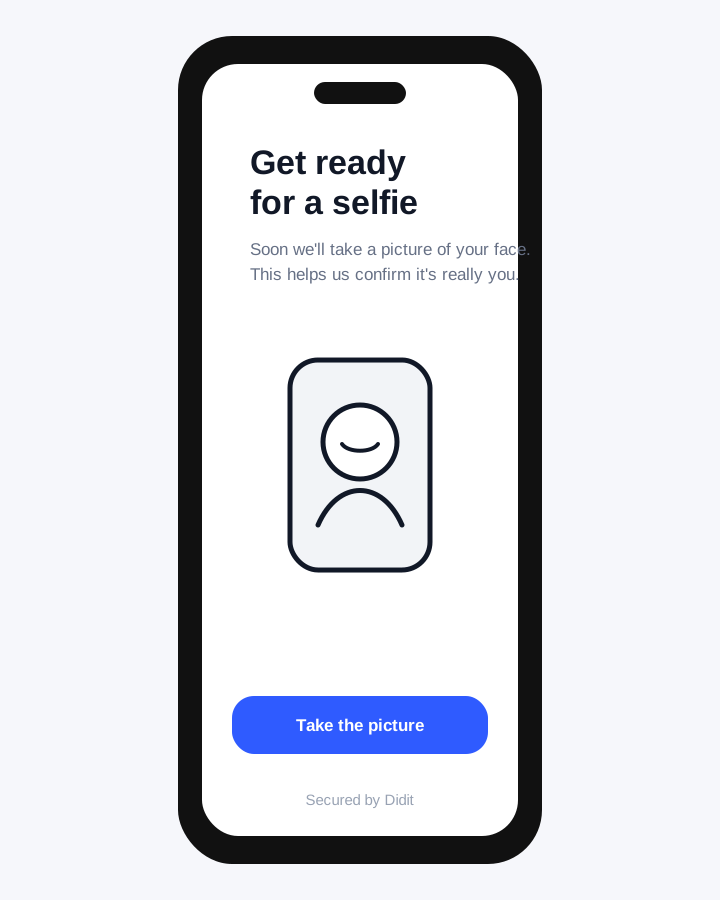
Finish the live face match in a bright area. Remove sunglasses, masks, or anything covering your face.
Most successful verifications update quickly. Some cases may go to manual review if details need confirmation.
After KYC is verified, your order can move ahead for delivery scheduling and rental activation.
Automated checks usually update within a few minutes after successful submission. If the document image, selfie match, or details need manual review, verification can take up to 24 working hours.
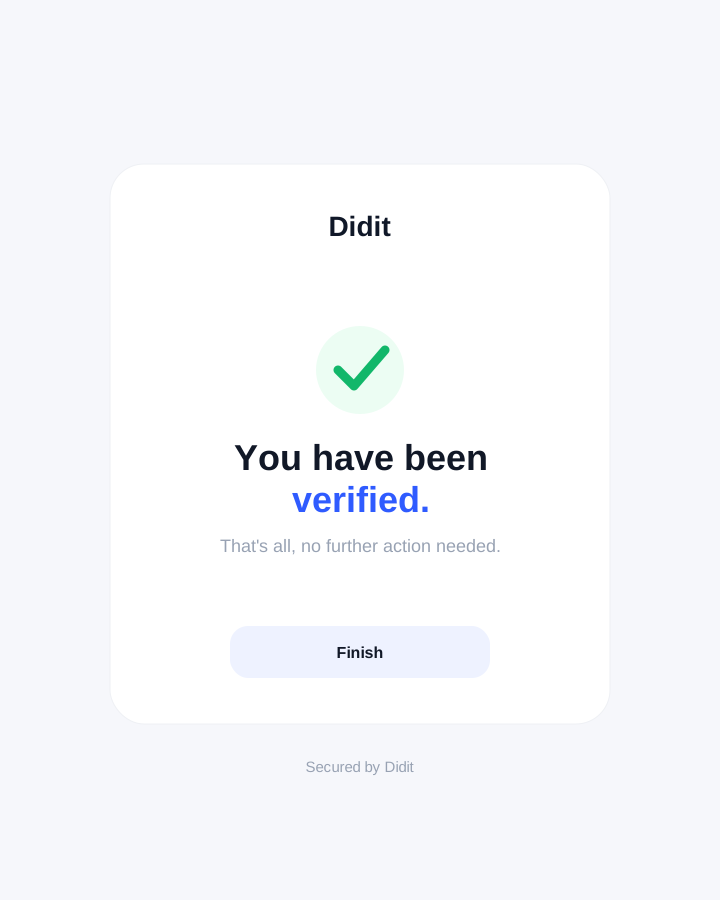
Keep the browser or mobile screen open until Didit shows completion, then return to Houser and refresh your profile or checkout page.
Actual Didit KYC screens used to guide customers through the hosted verification flow.